How-to guide
Review history
Every session you finish is saved to your journal. The History screen is where you look back — to compare trips, find a past catch, or check the conditions on a good day.
1
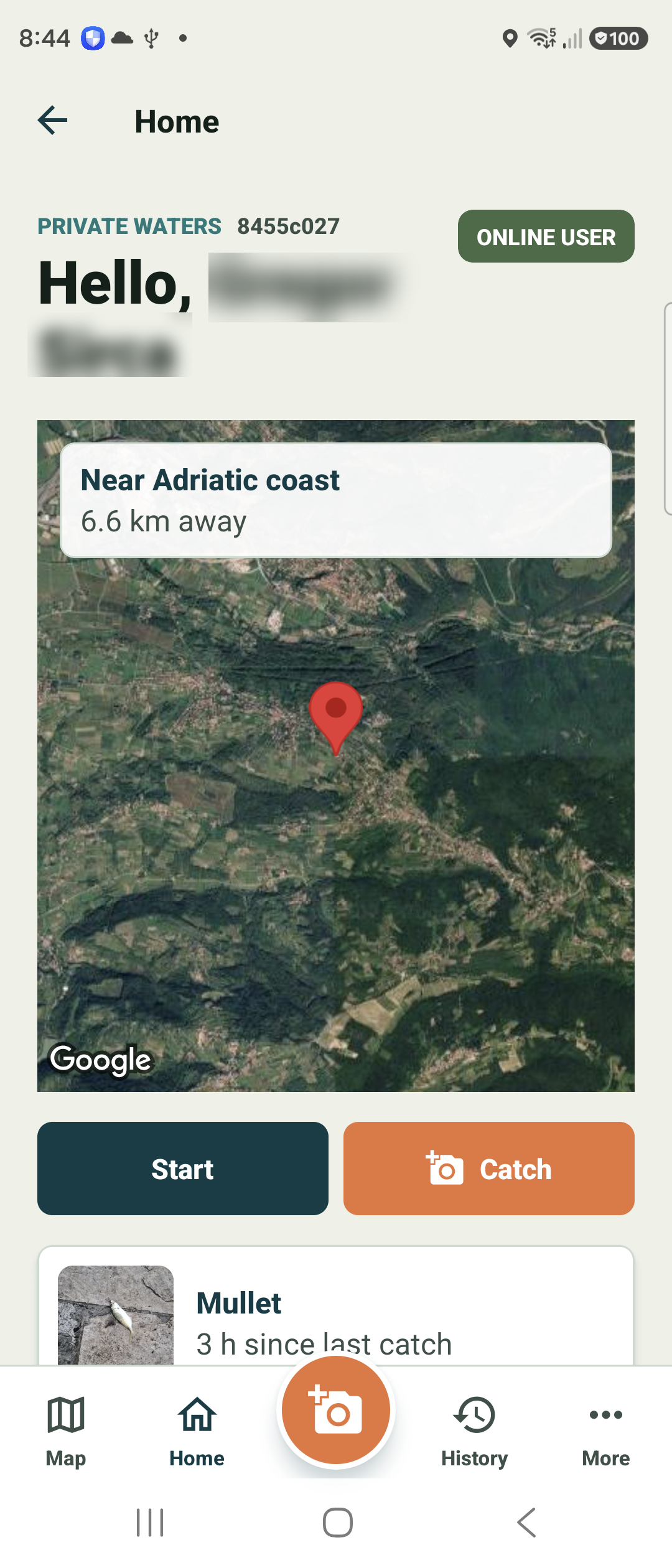
Open History from the bottom bar
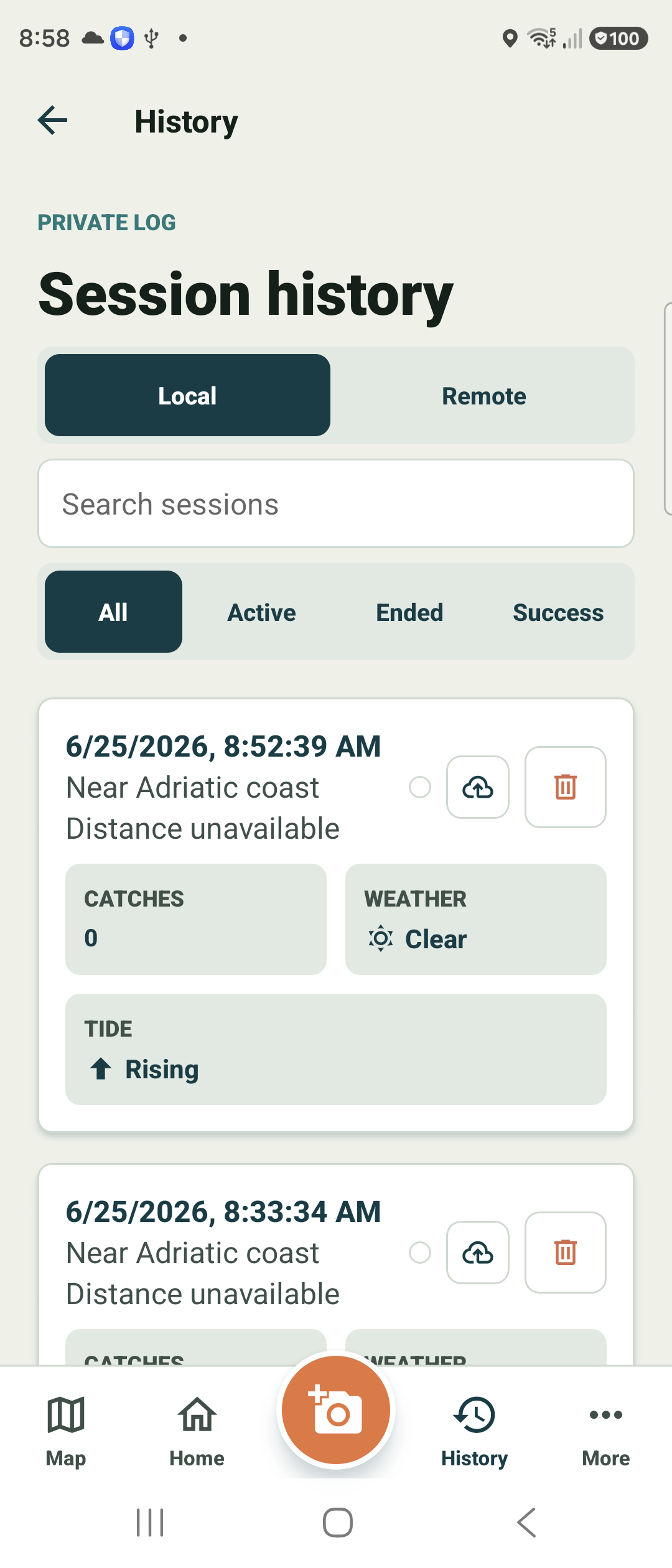
Tap History in the bottom bar to open your Session history.
This is your private log: a list of past sessions, newest first, each with its date and nearest known area.
2
Search, filter, and switch views
Toggle between Local (sessions on this device) and Remote (synced to your account). Use the search box to find a session, and the All / Active / Ended / Success chips to narrow the list.
Each card summarises catches, weather, and tide at a glance. Tap one to open its full session detail, or use the row actions to sync or remove it.