How-to guides
Using Fish Agent
Short, screenshot-by-screenshot guides for the core Fish Agent workflow — from your first session to identifying a catch and syncing your journal, plus reviewing your catches on the web. Pick a guide to get started. The steps apply to both the iPhone and Android apps; the screenshots are taken on Android, and the iPhone screens match closely.
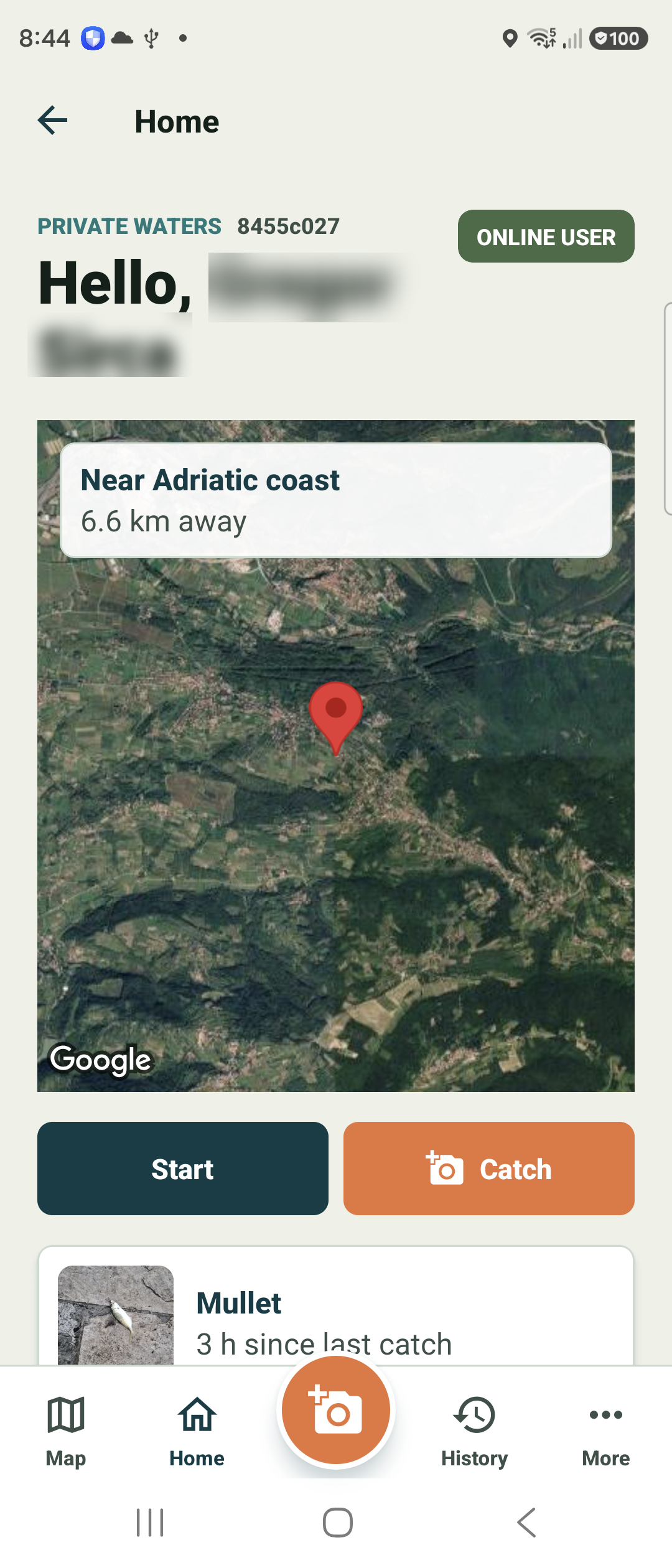
Getting started
Find your way around the home screen, the bottom bar, and the More menu.
Open guide →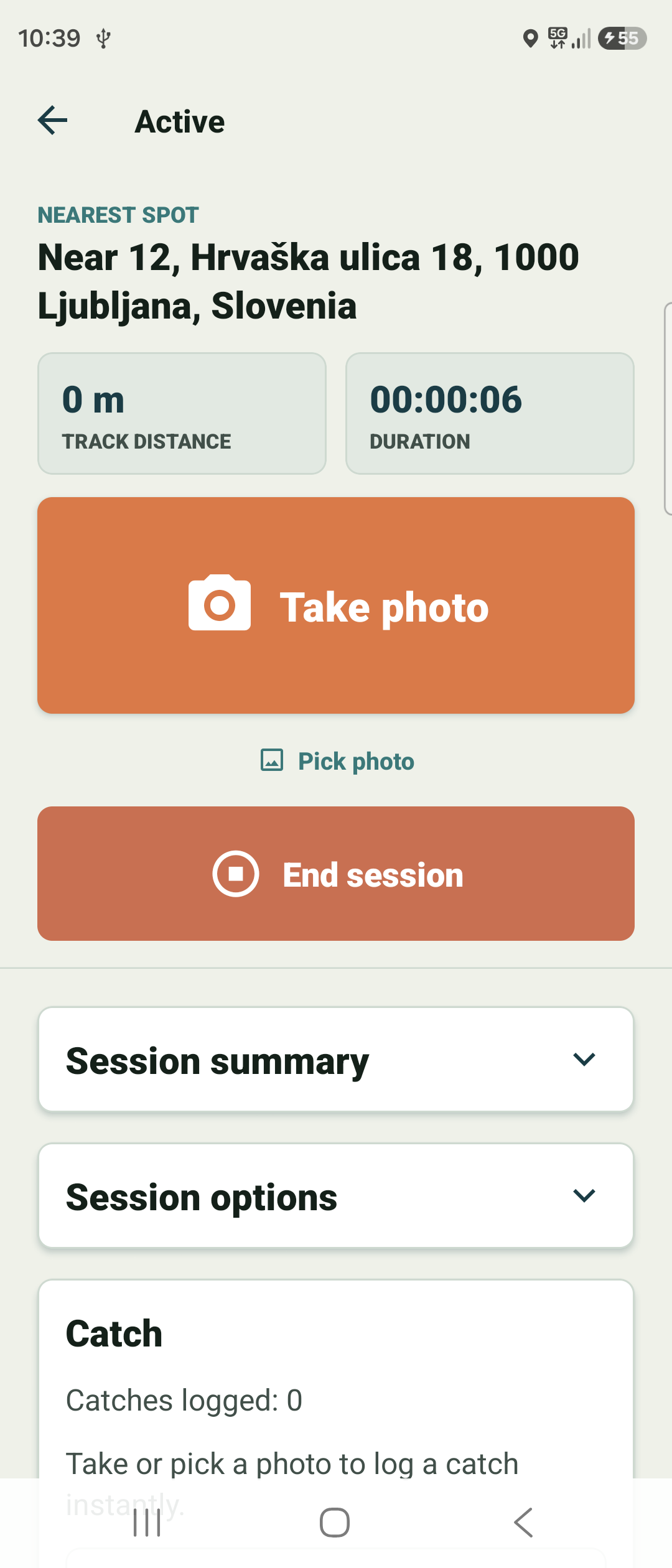
Track a session
Start a session, log catches in one tap, and end it when you are done — the route records in the background.
Open guide →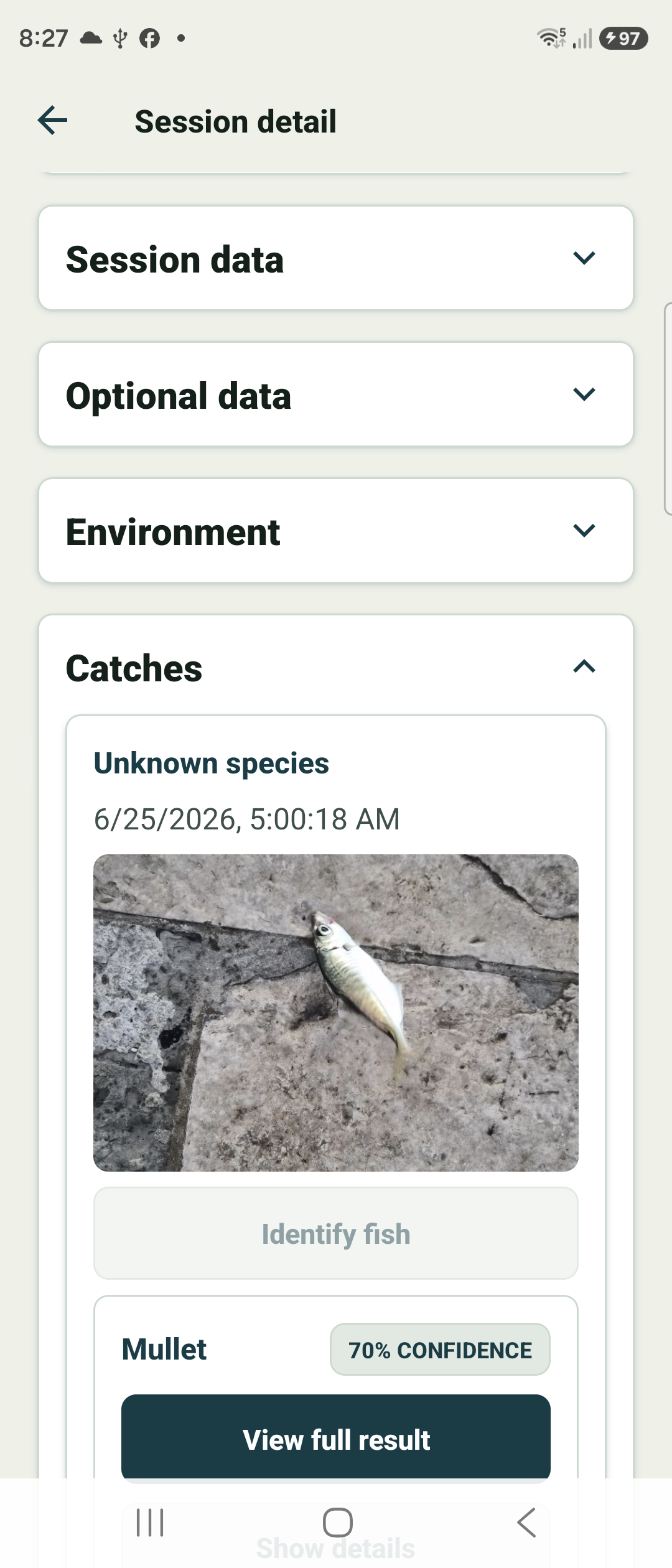
Log & view catches
Capture a catch with the orange Catch button and review it in session detail.
Open guide →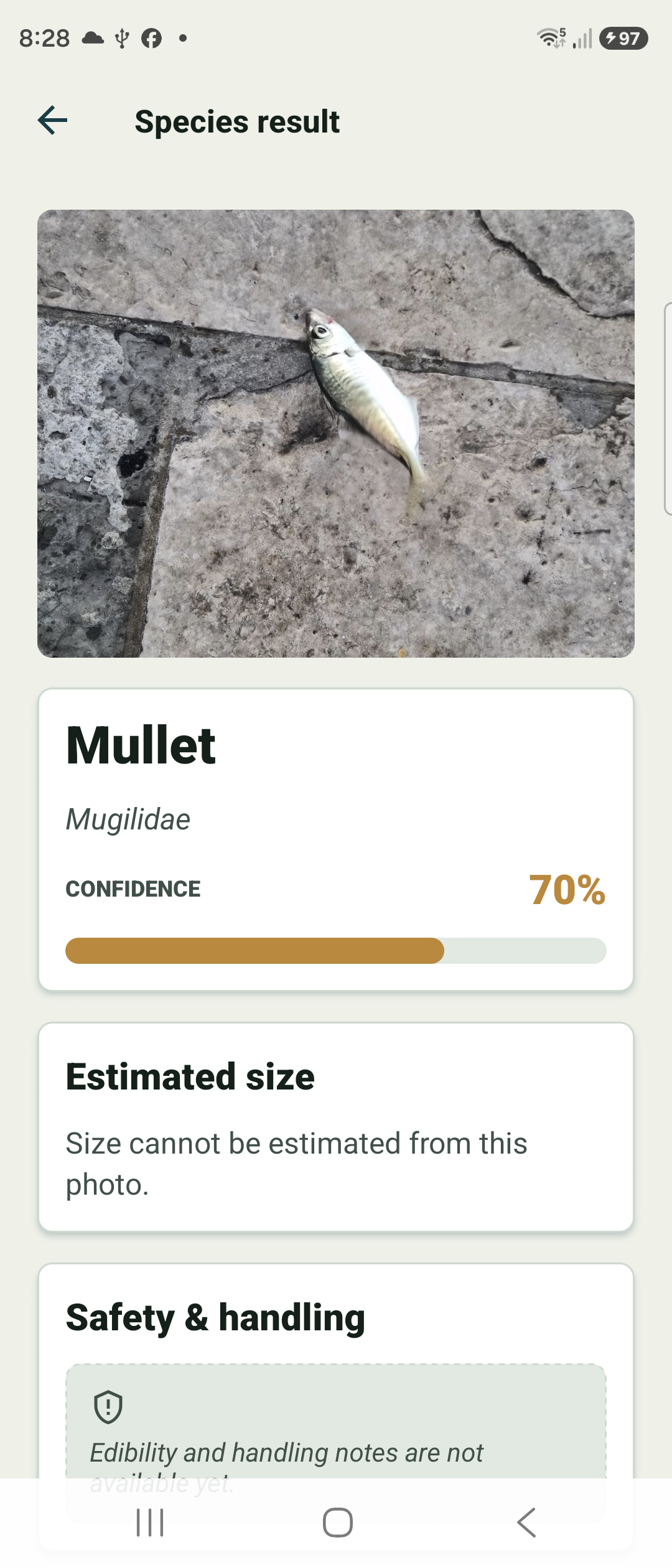
Identify a fish
Run AI identification on a catch photo, read the species result card — and correct the species yourself if the AI got it wrong.
Open guide →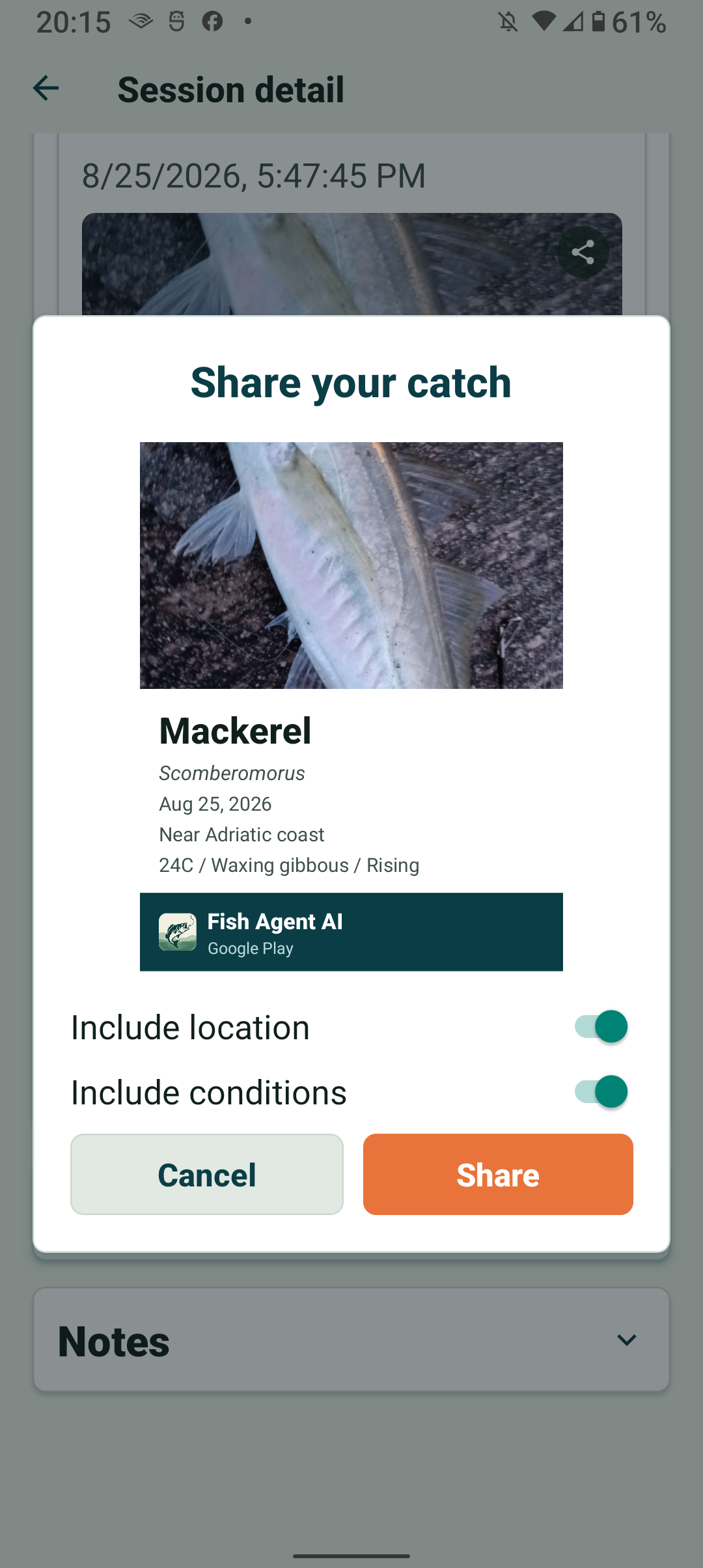
Share a catch
Turn a catch or sky photo into a shareable card, and choose what it says about where you were.
Open guide →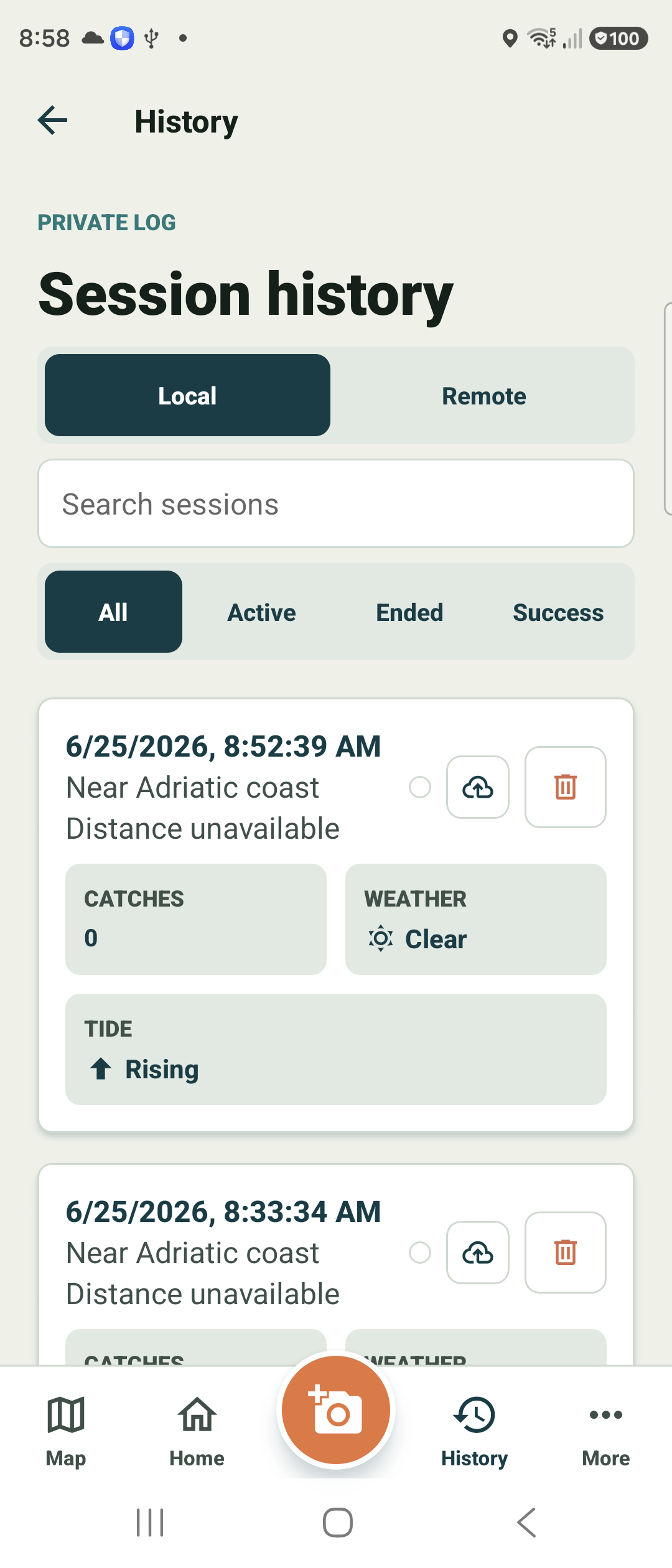
Review history
Browse past sessions, filter and search, and switch between local and remote.
Open guide →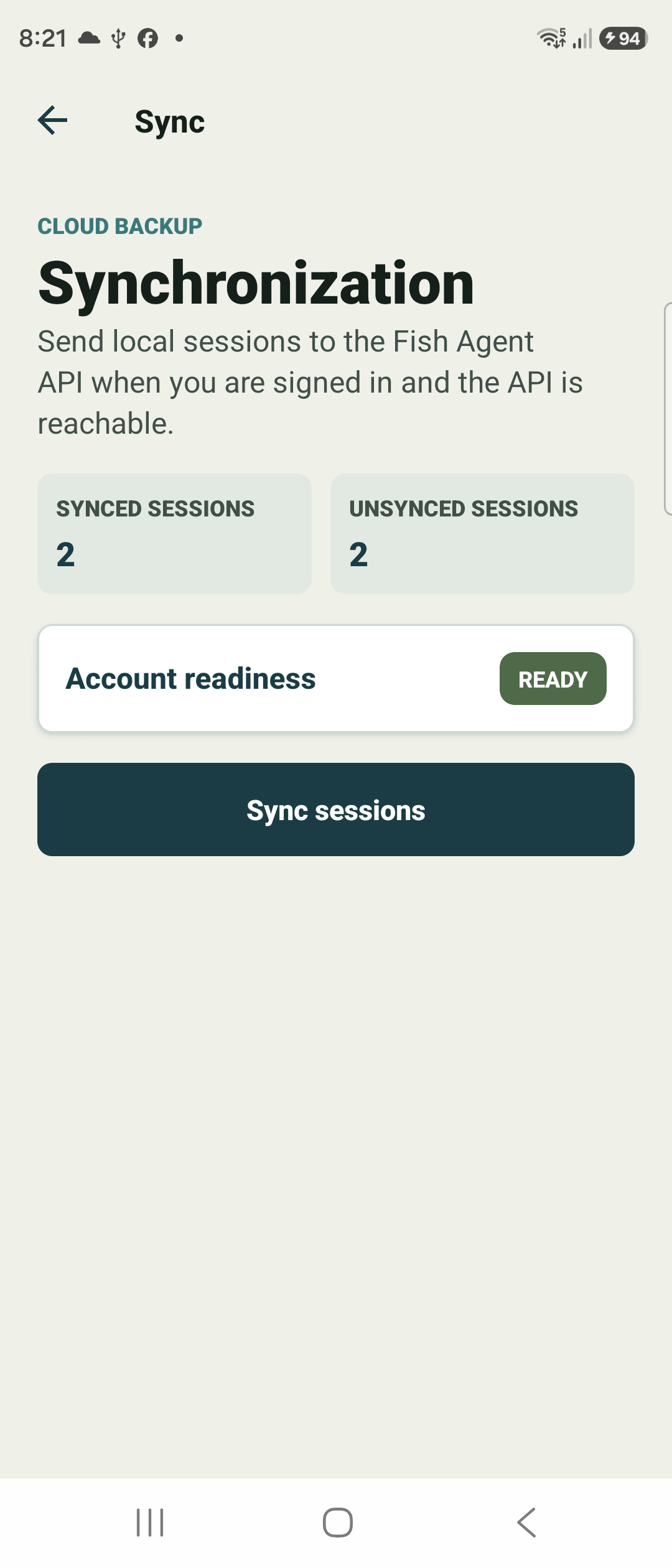
Sync & account
Sign in, send local sessions to the cloud, and check your profile status.
Open guide →
Review on the web
Sign in on a desktop browser to review sessions and fix catch, gear, and weather details on a big screen.
Open web app →