How-to guide
Track a session
A session records how long you fished, the route you covered, and the conditions at the time. Tracking keeps running in the background, so you can pocket your phone and keep fishing.
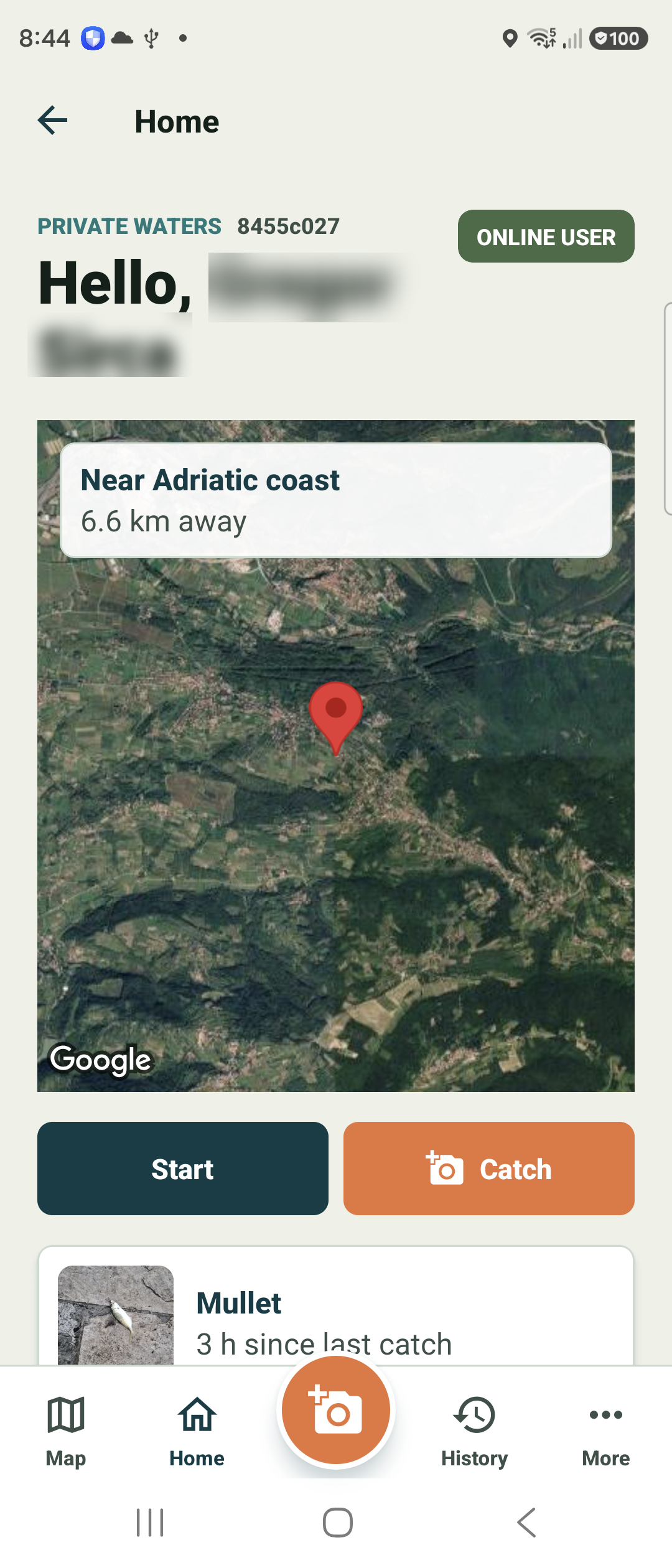
Tap Start on the home screen
From Home, tap the dark Start button. Fish Agent begins a new session and starts recording your location at high accuracy.
A persistent notification appears while a session is active — that is the background service keeping your route alive even after you lock the phone.
Watch the session run
The active-session screen stays focused on the catch: a running timer, the distance you have covered, and your Nearest spot — the closest known place to where you are now. The map is hidden while you fish, so nothing gets in the way.
Two big buttons sit right at the top — Take photo and End session — so logging a catch never means scrolling. Session summary, gear, and notes are a short scroll below, and tracking keeps running the whole time.
Lock your phone or switch apps — if a session is running, Fish Agent reopens it the moment you come back.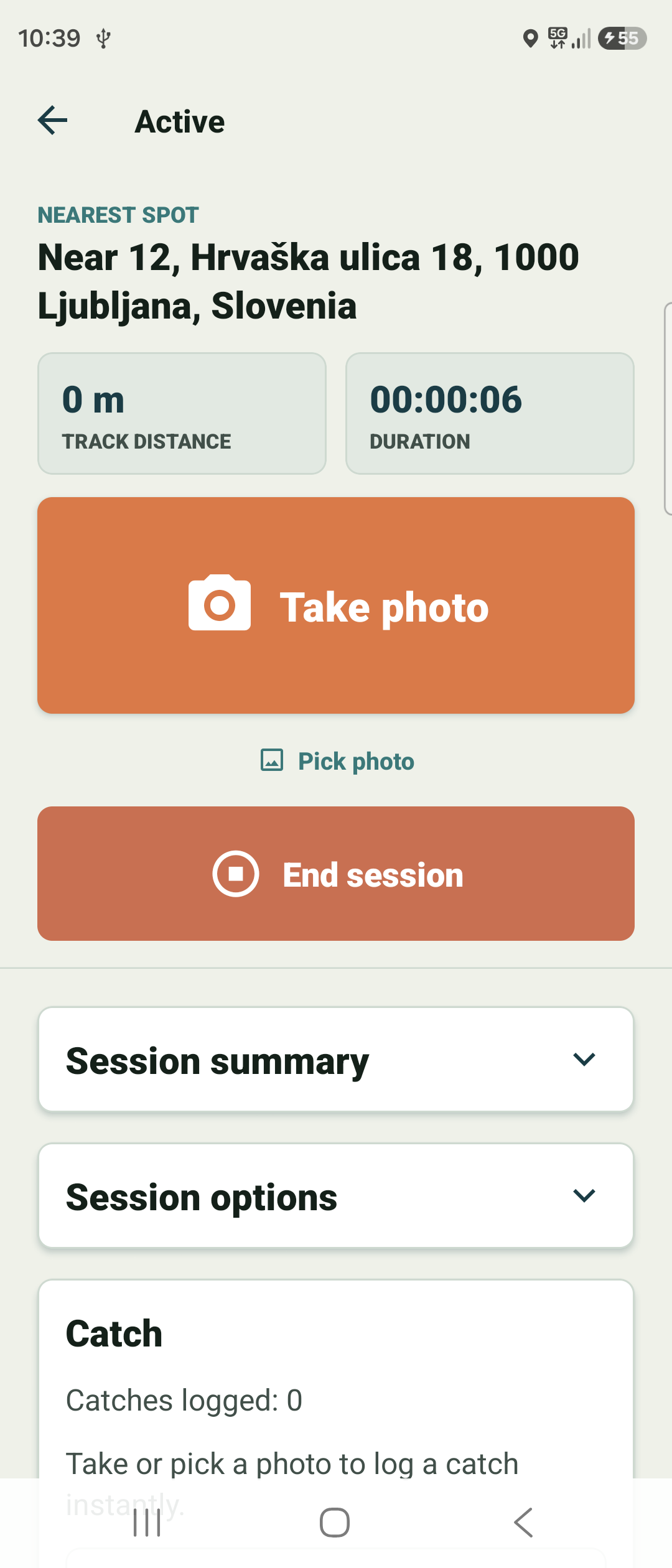
Log a catch in one tap
Landed a fish? Tap the big Take photo button at the top of the session — no scrolling, no menus. Fish Agent logs the catch instantly with your photo; add species, size, weight, and gear after, or skip them.
Already have a shot? The small Pick photo link just under it pulls one from your library instead. Distance keeps counting from real movement only — Fish Agent filters out GPS jitter, so standing still does not inflate it.
End the session
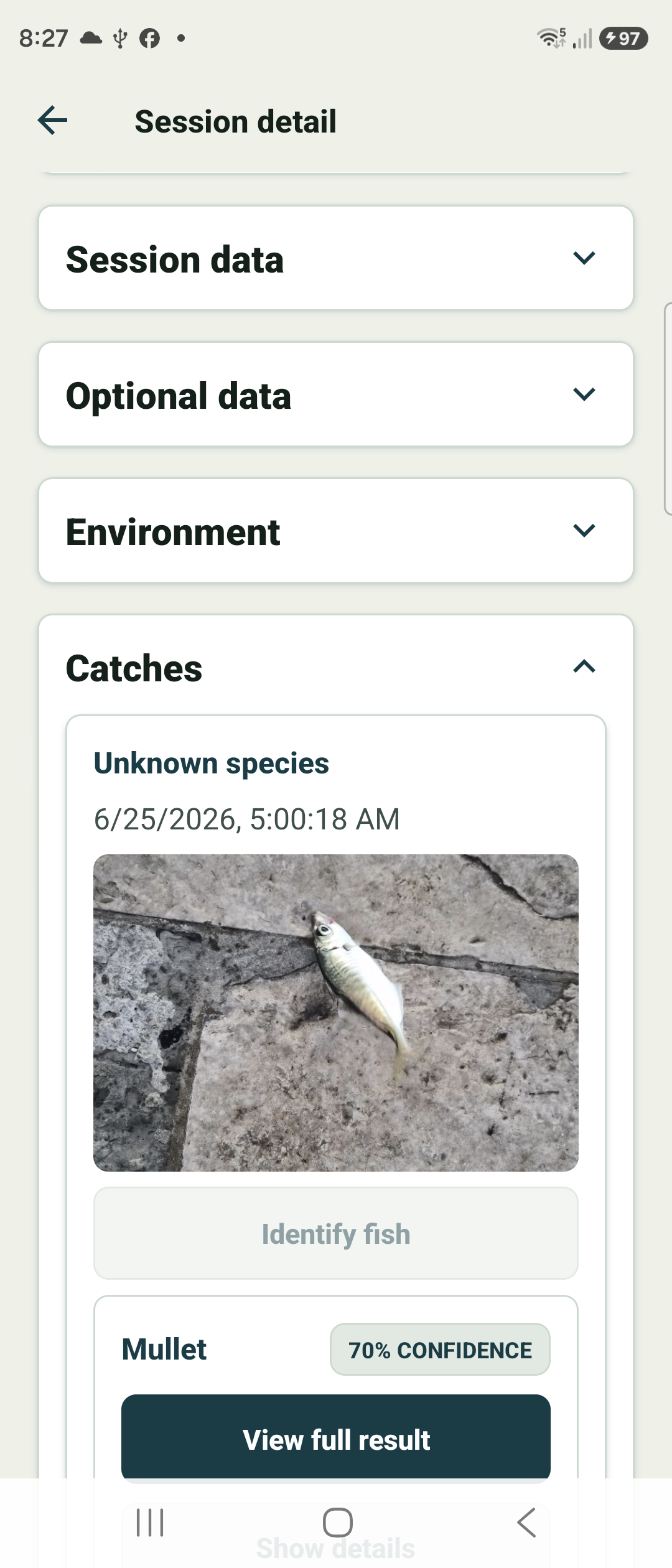
When you are finished, tap the big End session button. The session is saved to your journal with its duration, distance, catches, and conditions.
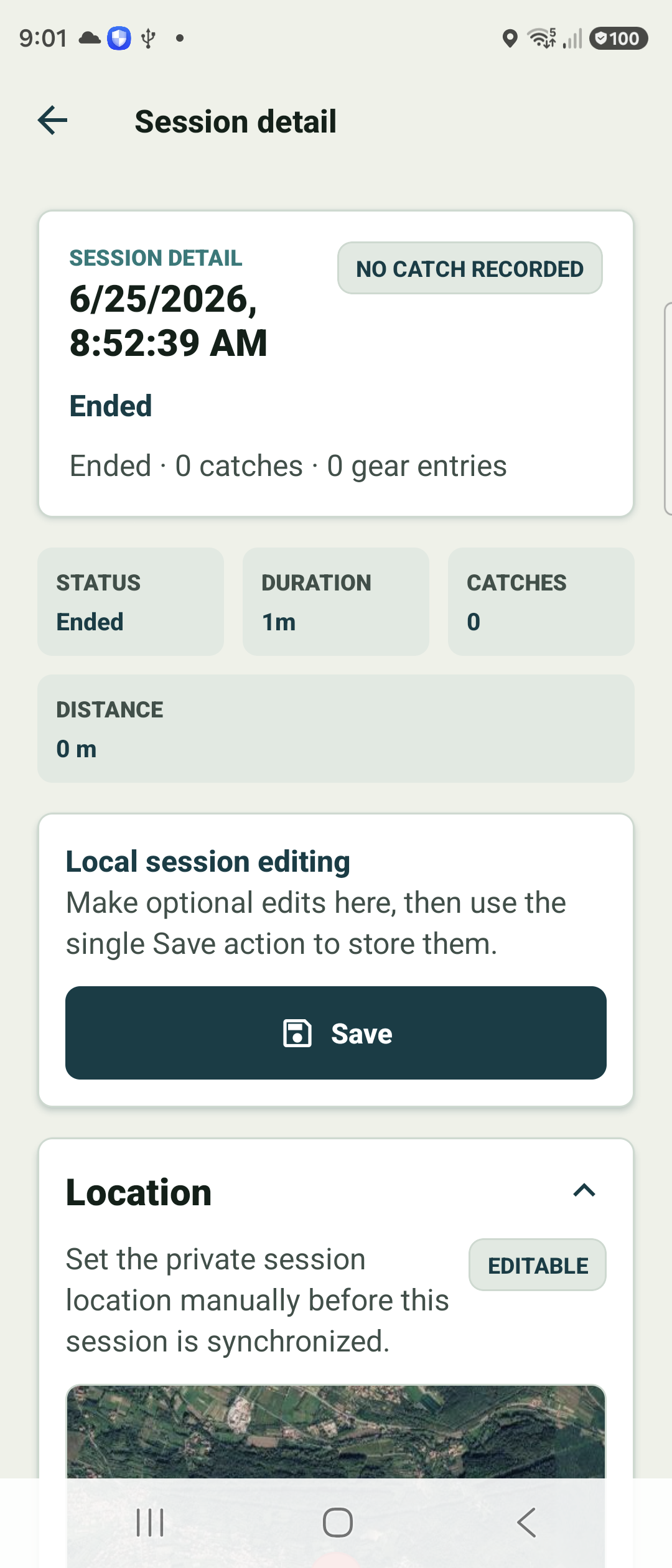
You land on the session detail screen, where you can review the full route on the map and make optional edits before it is ever synced.